1. Open Web site http://www.noip.com create an account
Put in Email Username Password Domain name.
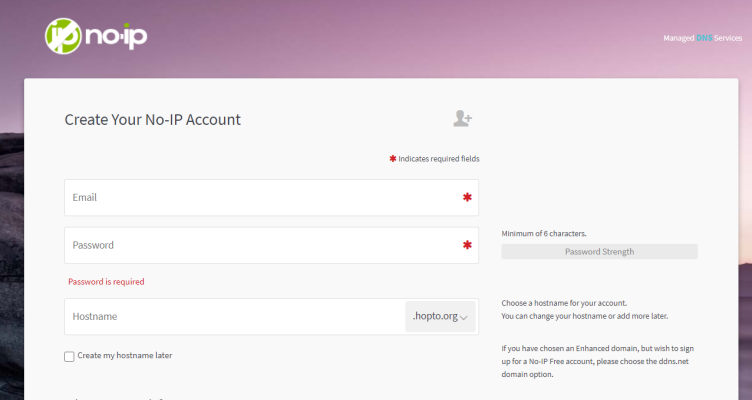
P-1
2. Confirm the email sent by NoIP and verify the account by clicking "Confirm Account".
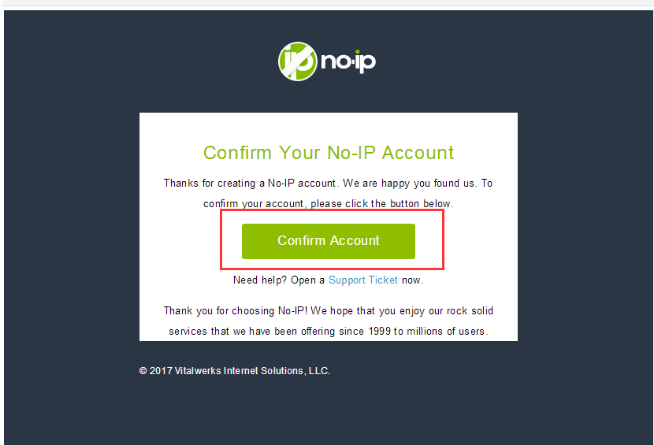
P-2
3. Log in NoIP
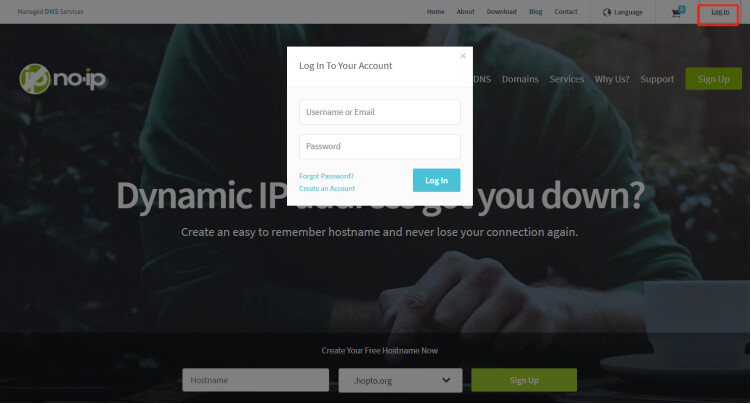
P-3-1
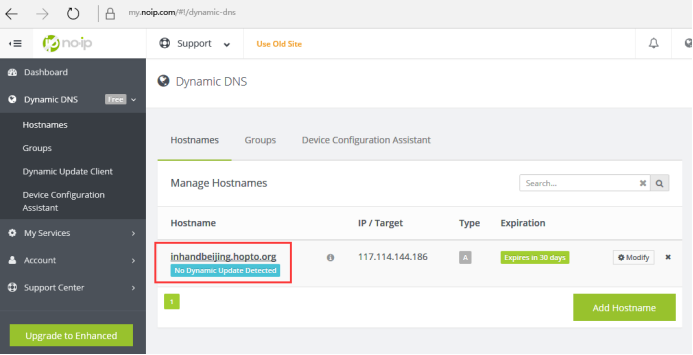
P-3-2
4. ConfigIR302
4.1 Make sure IR302 is connected to Internet and WAN IP is Global IP (Dynamic GIP and Static IP are both supported).
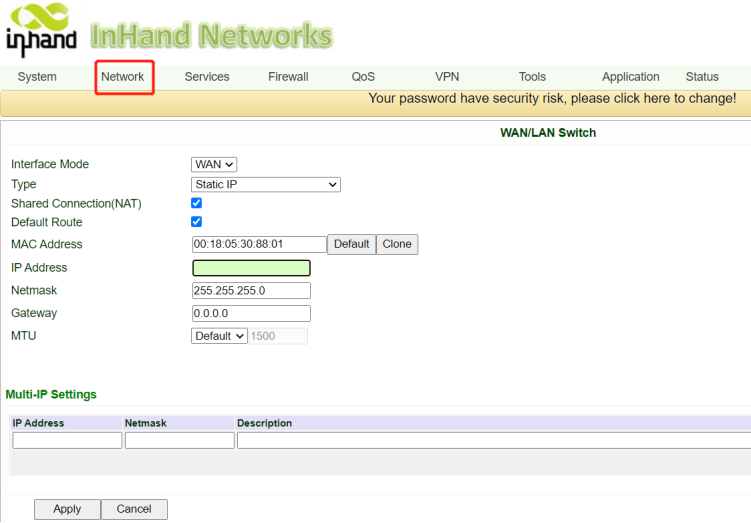
P-4-1
4.2 Config DDNS: Services->DDNS
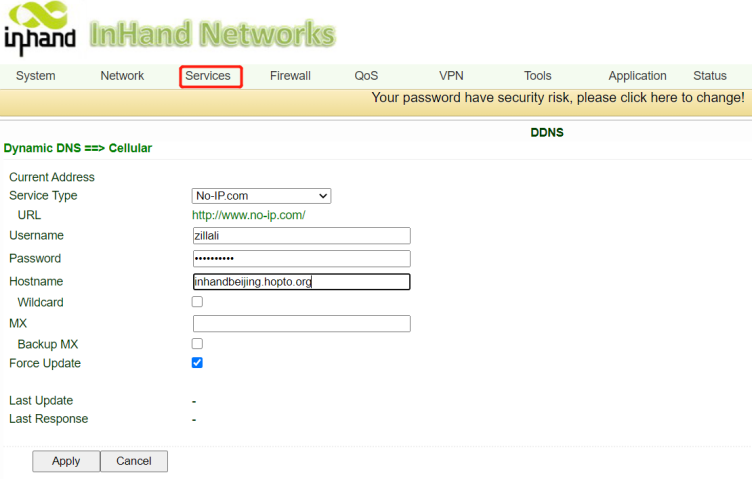
P-4-2
5. Test and verify.
Check Status-> log. View configuration synchronization status P-5-1.
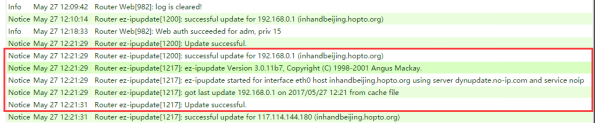
P-5-1
Ping domain name. Check the domain name and resolve the correct IP address.
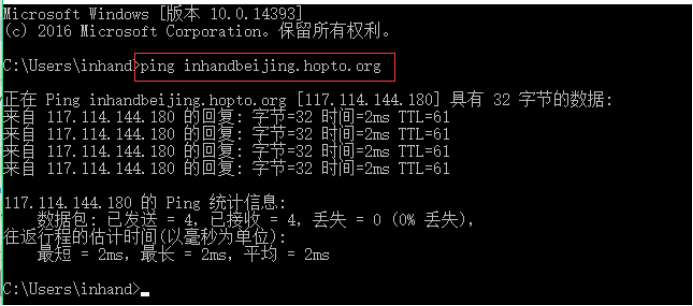
P-5-2
View DDNS configuration synchronization status on NoIPwebsite.
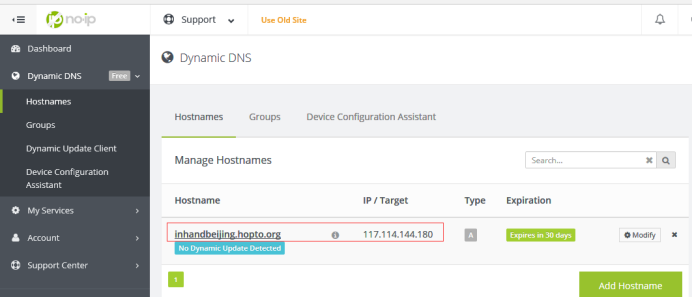
P-5-3