DeviceSupervisor Agent (DSA) plugin for an EC312?

Where can I download the DeviceSupervisor Agent (DSA) plugin for an EC312?
My unit with firmware V2.0.12 does not have it installed by default.


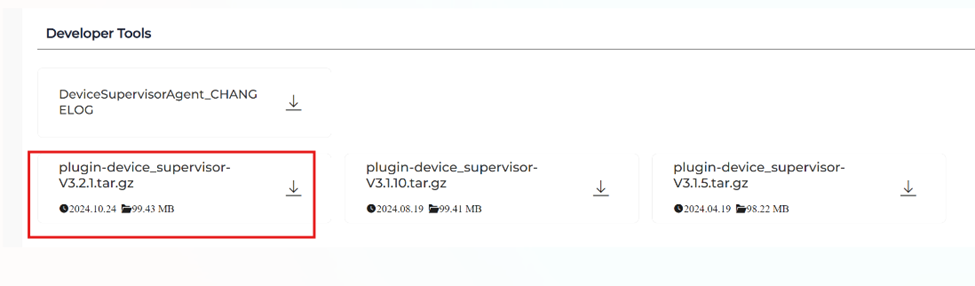
The DSA plugin can be found from our resource centre:

https://www.inhand.com/en/resources-center/#/EnterpriseNetwork/EdgeComputer/EC300

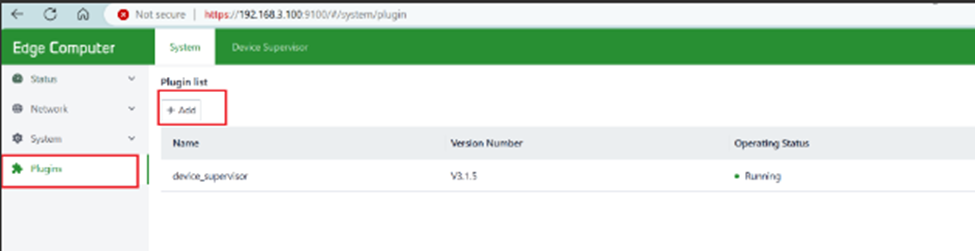
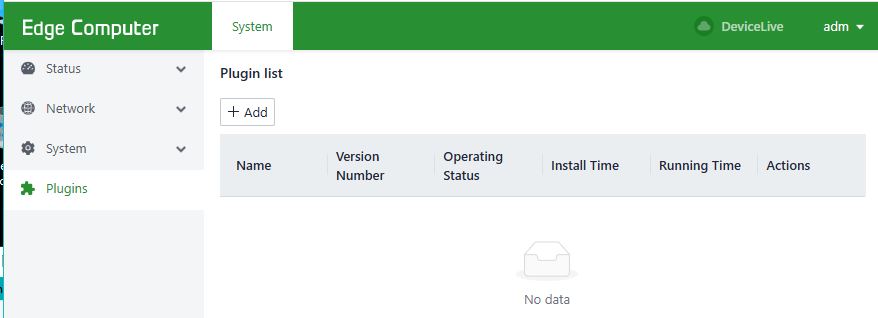
To install the DSA plugin, please log in to EC312 web management page, go to Plugins, click +Add:


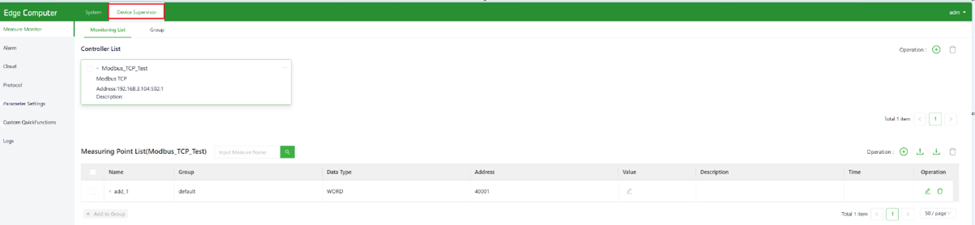
After the installation, DSA can be found at the top row of web management page:


When downloading the plugin from Chrome on Windows10 the file name is changed from "plugin-*.tar.gz" to "plugin-*.tar" and when downloading from Firefox on Ubuntu the file name is changed to "plugin-*.tar.tar".
With these names the plugin installation fails. In order to install it correctly you have to change the file name to "plugin-*.tar.gz".
Now I have successfully installed the DeviceSupervisor Agent on my EC312.
Thank you very much.